Merge Balls - Play the Free Online Ball Merging Puzzle
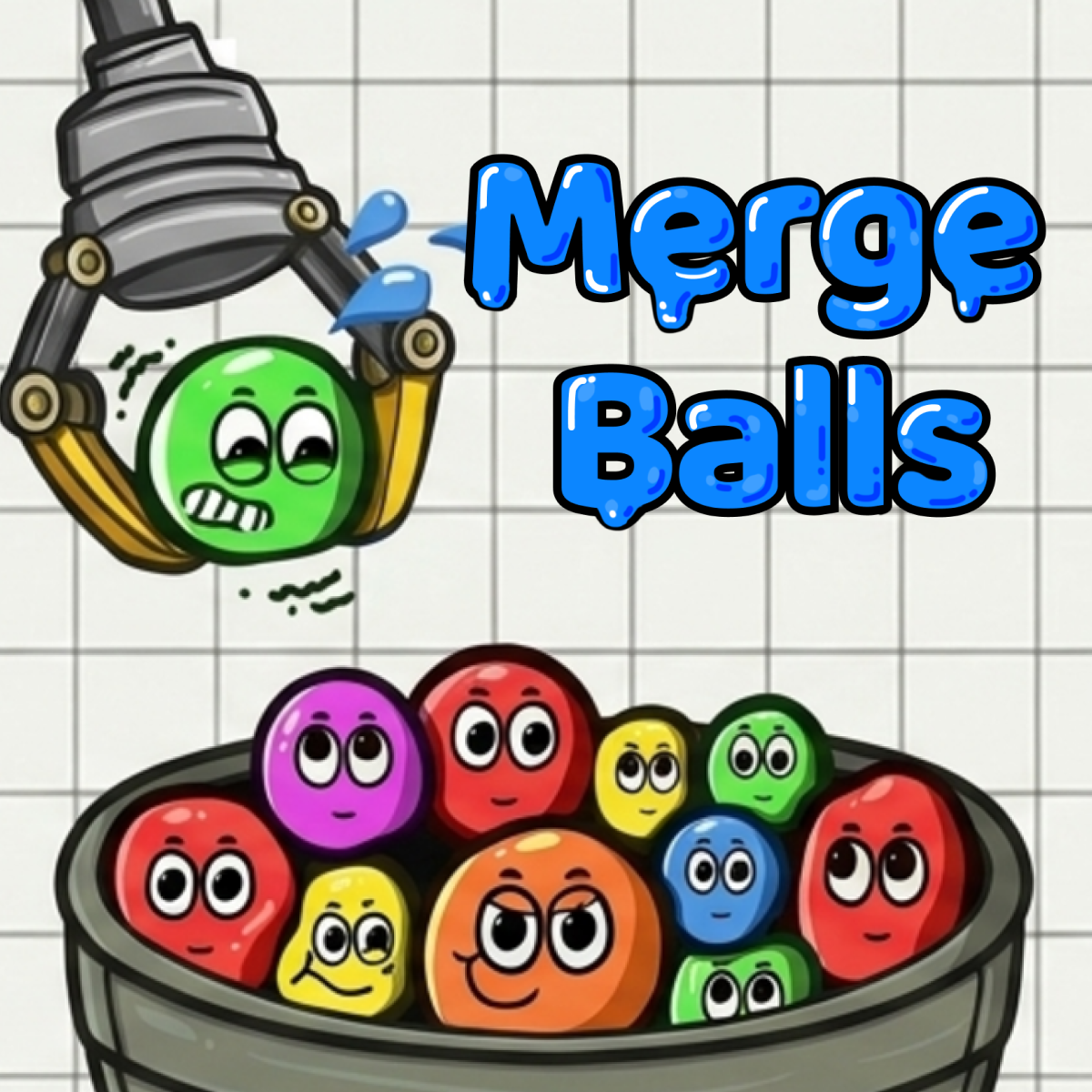
Merge Balls turns a container of colorful, floppy balls into a physics puzzle. Drop one ball at a time and bring two matching types together to create a larger ball. Each merge makes room for your next move, but bouncing balls and an uneven stack can quickly change the situation. Build chain reactions, reach higher ball tiers and chase a better score without letting a ball escape the container. Play free in your browser on Block Breaker Online, with no download required.
How to Play Merge Balls
Controls
Use your mouse to choose where the next ball will land, then release it into the container. Watch the balls bounce and settle before choosing the next drop position.
Objective
Combine two balls of the same type to produce the next, larger type. Keep merging to build your score and reach higher tiers. Your run ends if a ball escapes the container, so leave enough space for each new drop.
Tips to Win
- -Look for a matching ball with a clear path above it before releasing the next one.
- -Allow bouncing balls to settle so you can judge where the next drop will really land.
- -Keep matching types close together instead of separating them with balls of other sizes.
- -Plan a merge that brings another matching pair together to start a chain reaction.
- -Watch the tallest part of the pile and avoid adding height to an already crowded corner.
- -Use an available booster when it solves a specific space problem rather than waiting until a ball is already falling out.
Merge Balls Drop Placement and Chain Reactions
A good drop considers both the first collision and what happens afterward. Two matching balls merge automatically when they touch, but the surrounding balls may roll into the gap or bounce away. Aim for a position that joins a pair without leaving the larger result stranded above the pile.
Before releasing a ball, look for a second pair that could meet after the first merge. A chain reaction can clear space and increase your score in one move. If the path is blocked, build a reachable pair elsewhere instead of repeatedly dropping balls onto the same crowded spot.
Merge Balls Container Space and Boosters
The container is your main limit. As larger balls appear, the remaining gaps become harder to use, and a high stack can push a ball over the edge. Spread out your drops when useful, keep accessible matches in mind and check the rim before committing to a risky move.
Special boosters can change the next ball, shake the container or temporarily enlarge it. When these options are available, choose one based on the board: changing the next ball can help complete a pair, shaking can rearrange awkward positions, and extra container space gives a crowded pile more room. Watch how the balls settle after using a booster before making another drop.
Merge Balls Game Features
- -Physics-based merging with soft, colorful balls that bounce and roll.
- -Matching pairs that combine into larger ball types.
- -Chain reactions that reward careful placement and planning.
- -A limited container that makes space management more demanding as the pile grows.
- -Boosters for changing the next ball, shaking the pile or temporarily adding room.
- -High-score runs with mouse controls for browser arcade sessions.
Merge Balls FAQ
Is Merge Balls free to play online?
Yes. Start Merge Balls on this page to play free in your browser without downloading the game.How do balls merge in Merge Balls?
Two balls of the same type merge automatically when they touch, producing a larger ball of the next type. Place your drops so matching balls can reach each other.What ends a run in Merge Balls?
Your run ends when a ball escapes the container. Avoid building a tall pile near the rim and leave room for the next drop.How can I create a chain reaction in Merge Balls?
Look for a merge that will shift nearby balls and bring another matching pair together. Leave space for those balls to move and let the reaction settle before dropping again.What do the Merge Balls boosters do?
The boosters can change your next ball, shake the container or temporarily enlarge it. Use an available option to solve a specific blocked match or space problem.