
Jump Only

Jump Only
In Jump Only, the little white jumper can push off thin air. Try jumping right from the starting block, then left before you land. You’ll end up higher, close to where you started. Kimo’s free browser platformer builds 49 rooms around those two moves.
How to play Jump Only
Controls
Press A or the left arrow to jump left. Press D or the right arrow to jump right. With a mouse, use the left and right buttons. On a phone or tablet, tap the corresponding half of the game screen.
Objective
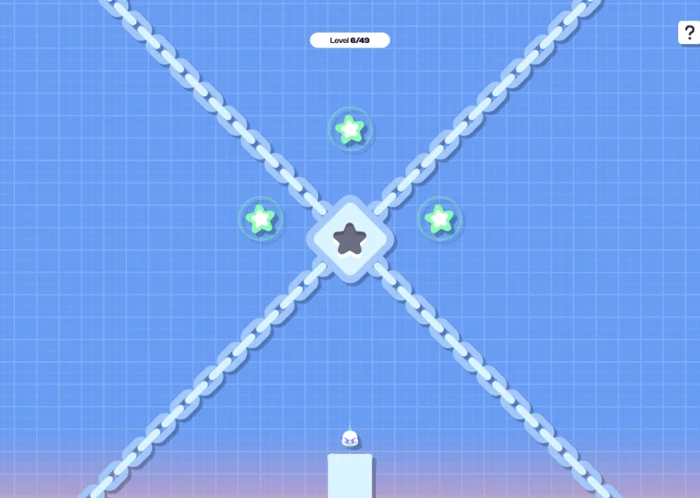
Climb to the glowing finish line in each room. If chains block the route, pick up the green stars to release the lock.
Two jumps to practice
- -For a long crossing, release the key and jump in the same direction again while you’re airborne.
- -For a vertical climb, switch directions sooner. Practice above the starting block and see how little space you need to gain height.
Jump Only level guide


More platformers to play after Jump Only
- -For an endless climb with springs and crumbling platforms, try Doodle Jump.
- -If you like working out a route one short room at a time, watch for the shifting floors in Level Devil.
Jump Only questions
How many times can I jump before landing?
You can keep jumping for as long as you have room. Each fresh press gives you another diagonal push, even after you start falling.Why do the arrow keys scroll the page?
Click inside the running game to give it keyboard focus, then try the arrows again. A and D also control the jumper.