Minecraft Classic Online - Play Free in Your Browser
Minecraft Classic is the original free browser version of Minecraft released by Mojang in 2009. Built on the first public survival test, it lets you explore an endless block world, mine resources, craft simple items, and build anything you can imagine directly in your web browser with no download or installation required. This authentic retro experience preserves the iconic pixelated look, the classic block-by-block building system, and the sandbox freedom that made Minecraft a global phenomenon. You can play alone or join multiplayer worlds with up to nine friends, switch between Creative and Survival mode, and enjoy the same groundbreaking gameplay that started it all - all for free, on mobile and desktop.
How to Play Minecraft Classic
Controls
Move with the WASD keys, look around with your mouse, left-click to mine or break blocks, right-click to place blocks, and press Space to jump. Use the number keys 1-9 or the block selection bar to choose the block you want to place, and press E to open your inventory.
Objective
In Creative mode, build freely with unlimited blocks and explore the endless world. In Survival mode, mine resources, manage your health, and survive while crafting tools and building shelters. You can also join a multiplayer world with up to nine friends to build and explore together.
Tips to Win
- -Start in Creative mode to learn the controls and get comfortable placing and breaking blocks without pressure.
- -Hold left-click to keep mining: in Minecraft Classic, breaking blocks happens by holding the mouse button rather than tapping it.
- -Use the number keys 1-9 to quickly switch between block types while building large structures.
- -In Survival mode, prioritize finding trees and mining stone early so you can craft tools and protect yourself.
- -Press E to open your inventory and access the full block palette available in Classic mode.
- -Right-click to place blocks on top of or beside existing blocks, and use the crosshair to aim precisely.
- -Multiplayer worlds let up to nine players share one world - team up with friends to build faster and explore farther.
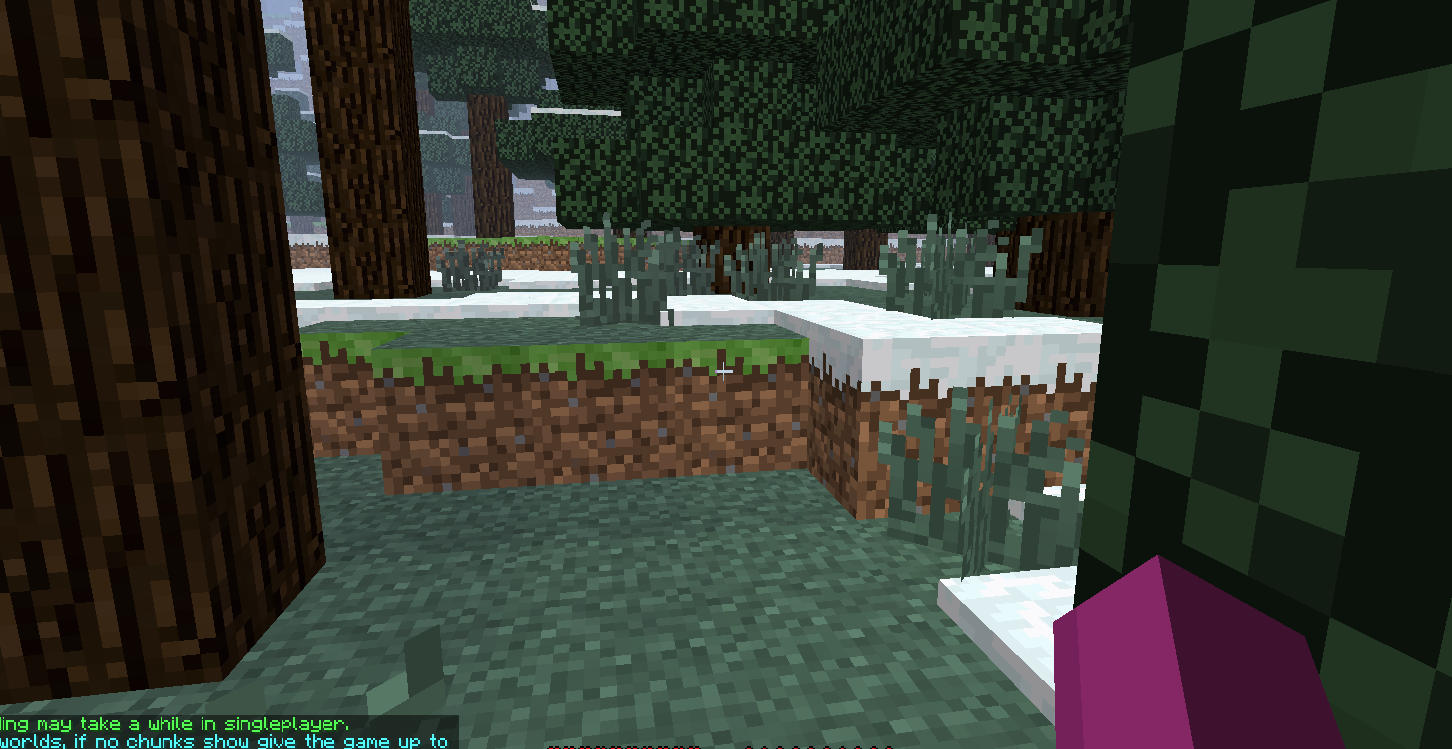
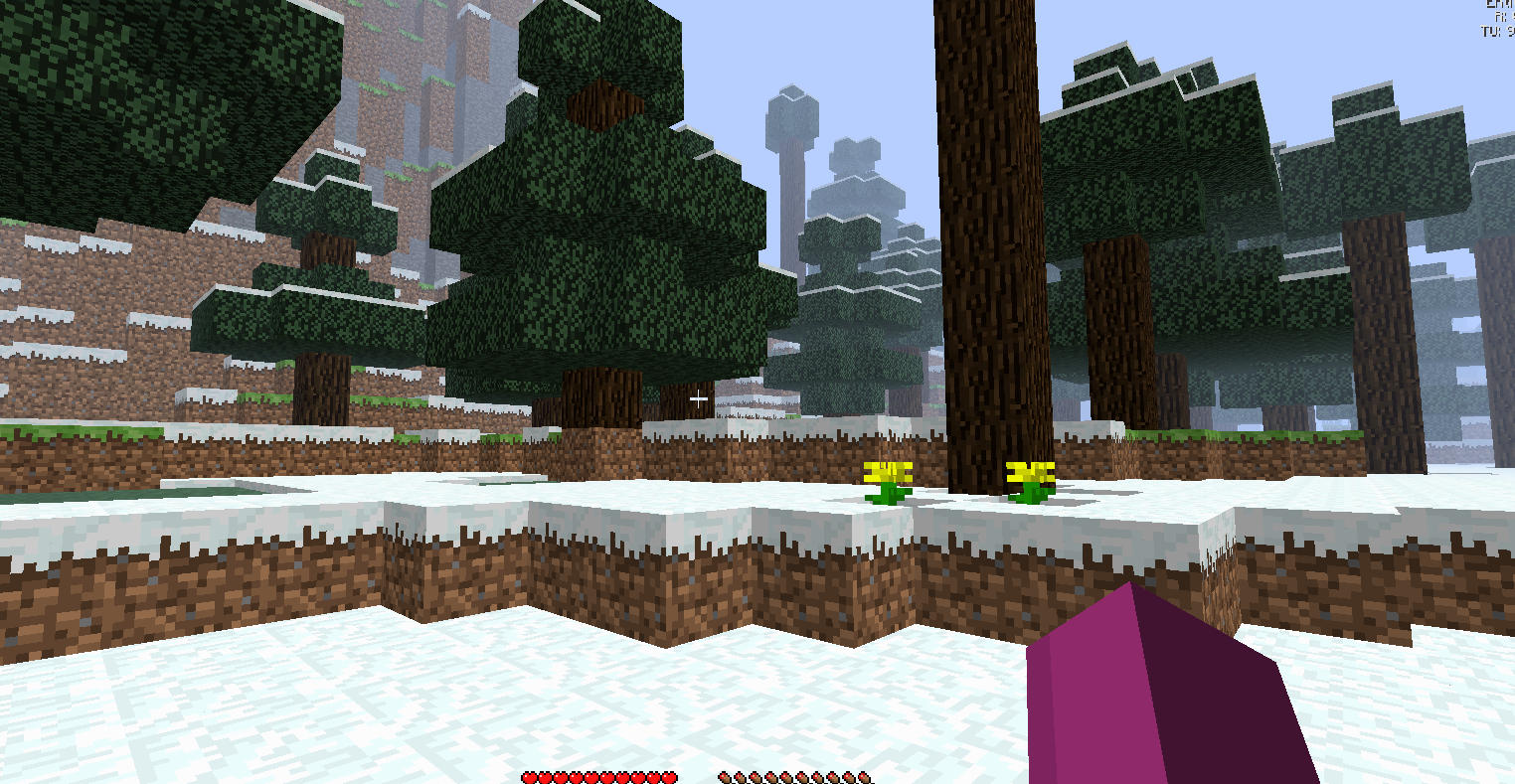
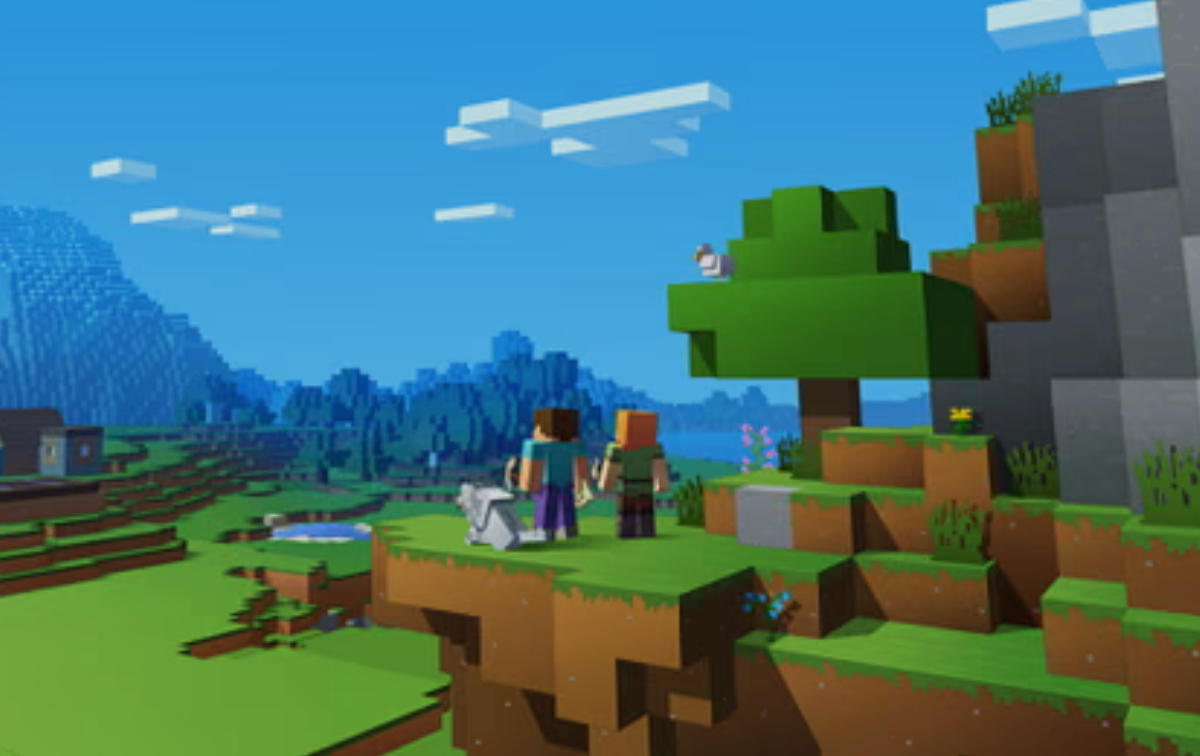
Minecraft Classic Online - Play Free in Your Browser Screenshots
Minecraft Classic Browser Features
- -Authentic 2009 original: Experience the exact version of Minecraft that launched the block-building revolution.
- -100% free to play: No download, no install, no sign-up required - just open your browser and start building.
- -Two classic modes: Creative mode for unlimited building and Survival mode for resource-gathering challenges.
- -Multiplayer support: Join worlds with up to nine other players and build together in real time.
- -Iconic pixel graphics: The original blocky textures and retro visuals that defined a generation of gaming.
- -Unlimited block world: Endless procedurally generated terrain with mountains, caves, forests, and oceans to explore.
- -Works everywhere: Optimized to run smoothly on desktop, tablet, and mobile browsers.
- -Simple controls: Easy to learn in minutes with WASD movement, mouse aiming, and one-click mining.
Game FAQ
What is Minecraft Classic?
Minecraft Classic is the original free browser version of Minecraft released by Mojang in 2009. It lets you play the first public iteration of the game directly in your web browser with no download required.Is Minecraft Classic free to play?
Yes, Minecraft Classic is completely free. You can play it online in your browser at no cost, with no download, installation, or account required.What is the difference between Minecraft Classic and Minecraft?
Minecraft Classic is the original 2009 browser version of the game. Modern Minecraft has evolved with much more content, including new biomes, mobs, crafting recipes, and gameplay systems. Minecraft Classic preserves the authentic early gameplay experience.Can I play Minecraft Classic with friends?
Yes. Minecraft Classic supports multiplayer worlds where you can play with up to nine other players, allowing you to build, explore, and survive together in the same world.Does Minecraft Classic work on mobile?
Yes, Minecraft Classic runs directly in your browser and is optimized to work on mobile devices, tablets, and desktop computers.Do I need to download anything to play Minecraft Classic?
No. Minecraft Classic runs entirely in your web browser - there is no download, installation, or sign-up required.